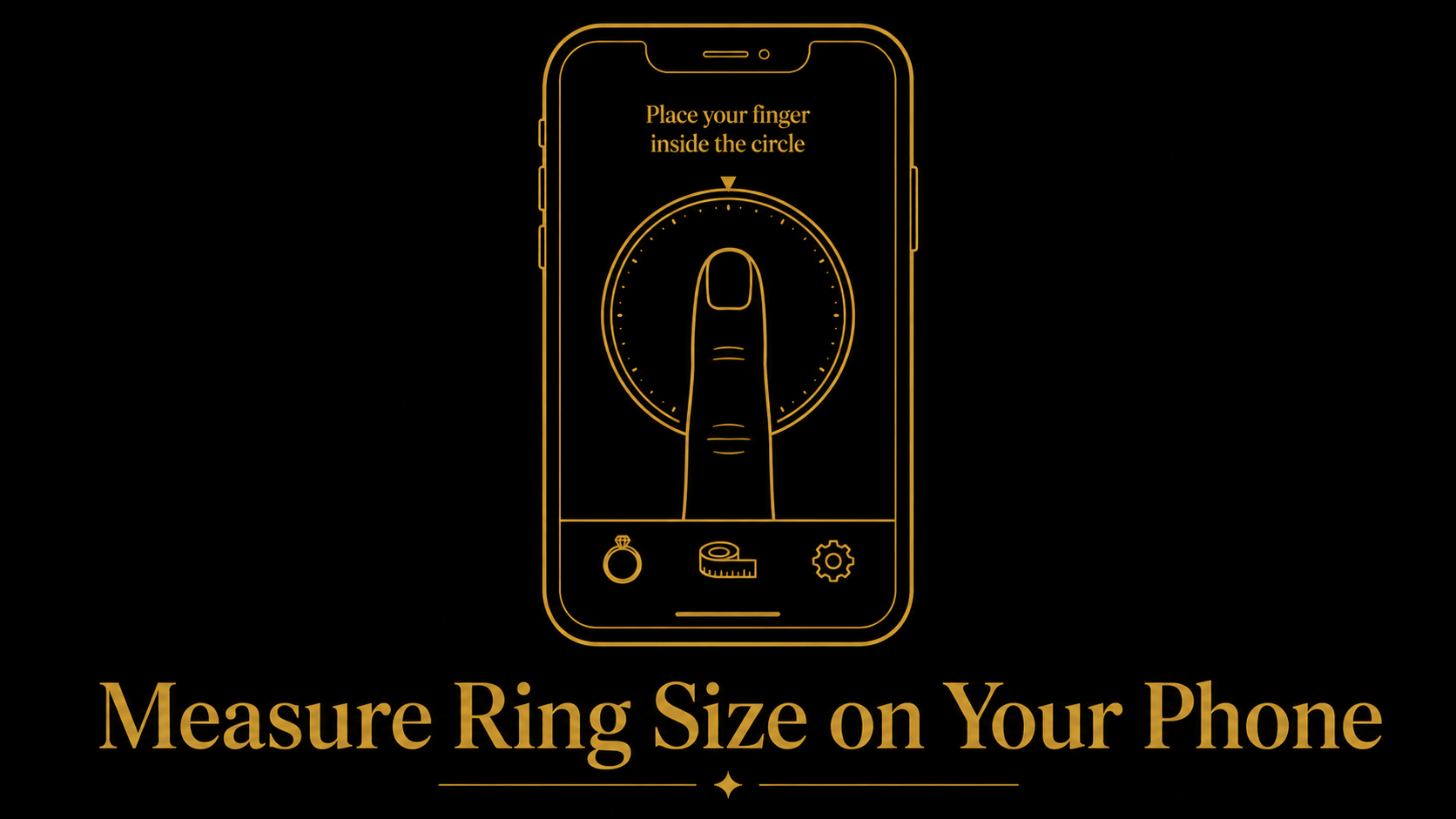
If you want to measure ring size on phone screen, you already have the most convenient tool in your pocket. A modern phone can display a ring guide in seconds, which makes it much easier to check a size from home without printing anything. The key is understanding that screen size alone is not enough. Accurate on-screen sizing depends on scale.
Once the screen is calibrated, a phone can become a very practical ring measurement tool. It works especially well when you already have a ring to compare against the display and want a quick answer before you buy online.
Why Phone Screen Sizing Needs Calibration
Different phones have different pixel densities, display settings, and browser zoom behavior. That means the same circle can appear slightly different from one device to another even if the website looks correct at first glance. Without calibration, an on-screen guide can be close but still not exact enough for a confident purchase.
Calibration fixes that by matching the display to a standard-size object such as a payment card. Once the scale is adjusted, the circle you see on screen reflects a real-world dimension much more closely.
Step by Step - Use Your Phone Screen as a Ring Sizer
Open our ring size calculator on your phone and let the page load the starting estimate for your device. Then tap the option that makes the measurement more accurate and calibrate the display with a standard card. After that, place the ring flat on the screen and adjust the guide until the inside edge matches.
Take your time here. The ring should sit flat, the screen brightness should be high enough to see the guide clearly, and the viewing angle should be straight from above. A rushed comparison is usually where small sizing errors begin.
- Open the calculator on the phone you plan to use.
- Tap the accuracy or calibration option.
- Match the guide to a standard card for scale correction.
- Place the ring flat on the screen and align the inside edge to the circle.
- Repeat once more to confirm the result.
How Accurate Is It?
A rough auto-estimate can be close enough to narrow your options, but calibration is what turns a convenient idea into a useful measuring method. Without calibration, a result may drift by one or two sizes depending on the device. With calibration and careful alignment, the reading can become much more precise.
That does not mean every phone reading is perfect. It still depends on the ring sitting flat, the guide being matched to the inside edge, and the user not forcing the comparison. Used properly, though, it is one of the easiest ways to check a ring at home.
Tips for Best Results
The phone method works best when you treat it like a simple measuring tool rather than a quick visual guess. A few setup details improve the result immediately and cost nothing to apply.
- Use calibration for any purchase that matters.
- Measure in the evening if you are checking finger fit directly.
- Increase screen brightness so the guide edge is easier to see.
- Place the ring flat and look straight down instead of at an angle.
- Take a second reading after a short break to confirm consistency.
Does It Work on All Phones?
Yes, the method can work on both iPhone and Android devices because the main issue is not brand. It is scale. As long as the website can load in a modern browser and the screen can be calibrated, the approach can work across many screen sizes.
You do not need a dedicated app. A good browser-based tool is enough, which also makes it easier to share the measurement process with someone else if you are helping them check a ring size remotely.
Use Our Free Ring Size Calculator
Our ring size calculator is built for phone-screen sizing, optional calibration, and quick comparison across ring size systems. It gives you a faster path from "I think this fits" to a specific number you can use while shopping.
If you want a second home method as backup, read how to measure ring size at home. Using a phone check and a paper or ring check together is a strong way to confirm a result.
FAQ
Can I really measure ring size on my phone?
Yes. A phone can work well when the screen is calibrated and the ring is compared carefully against the displayed guide.
Is phone-screen ring sizing accurate?
It can be very useful, especially after calibration. The accuracy depends on proper scale correction, clear alignment, and repeating the reading to confirm it.
Do I need an app to measure ring size on my phone?
No. A browser-based tool is enough. You can open a ring sizer page directly on your phone without installing anything.
What is screen calibration for ring sizing?
Screen calibration adjusts the display so an on-screen guide matches a real-world reference object. That makes the displayed ring circle much closer to actual size.